What it is
GPT Image 2.5 is the successor to GPT Image 2, released by OpenAI in September 2026. It is a family rather than a single checkpoint. Sunburst is described as the most capable model for generation and editing, and is the one to pick when edit precision decides whether the asset is usable. Flare is the fastest of the pair, aimed at high-quality everyday generation where throughput matters. Both share the same input and output shape: text plus optional images in, image out.
Because the API names carry a variant suffix, there is no bare 2.5 alias to call. Integrations choose Sunburst or Flare explicitly, and the dated snapshot behind each can be pinned. The models run through the image generation and edit endpoints and as the model behind the Responses API image generation tool.
The release is an iteration on 2, not a redesign. The gains are in fidelity, edit reliability and speed, and the notable new controls are the upper quality tiers, transparent backgrounds, and the markup overlay for indicating exactly where an edit should land.
Strengths
Cleaner detail and more believable light
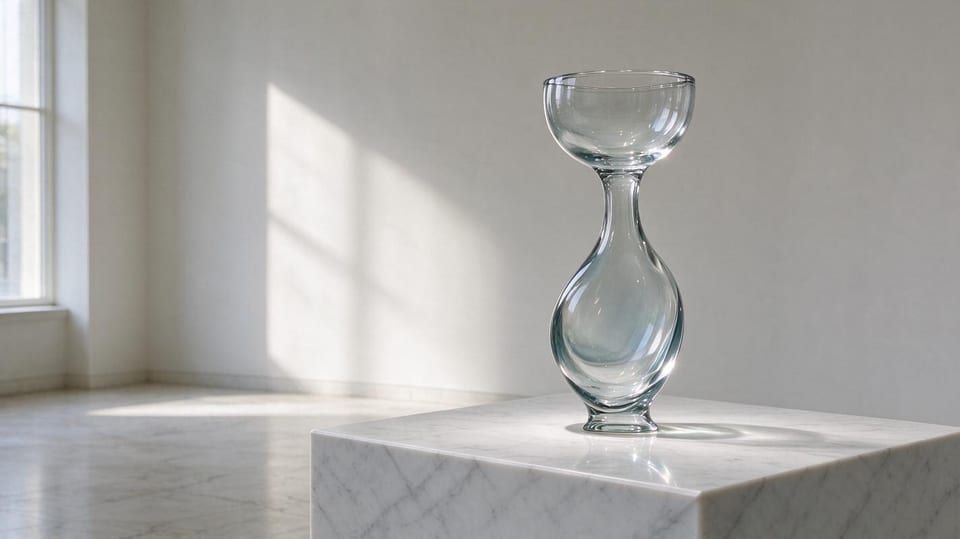
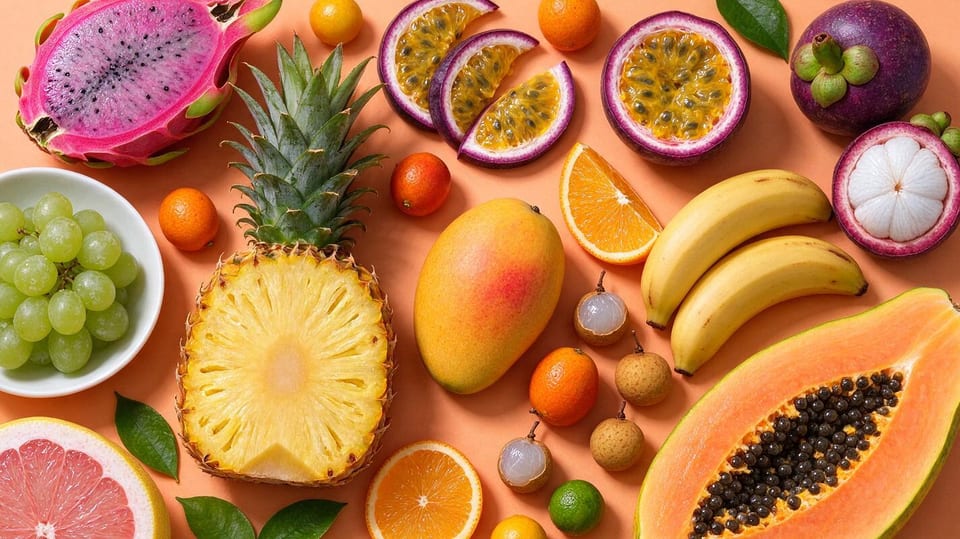
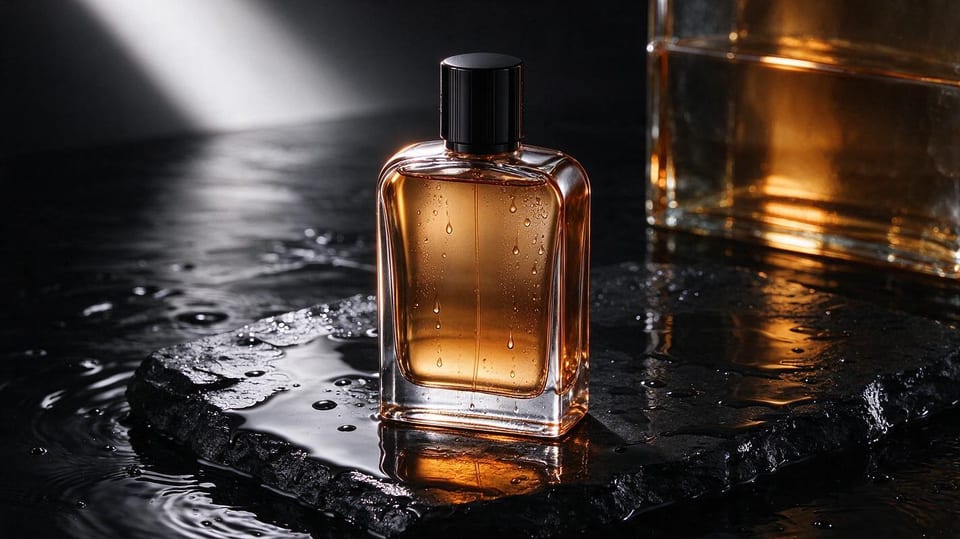
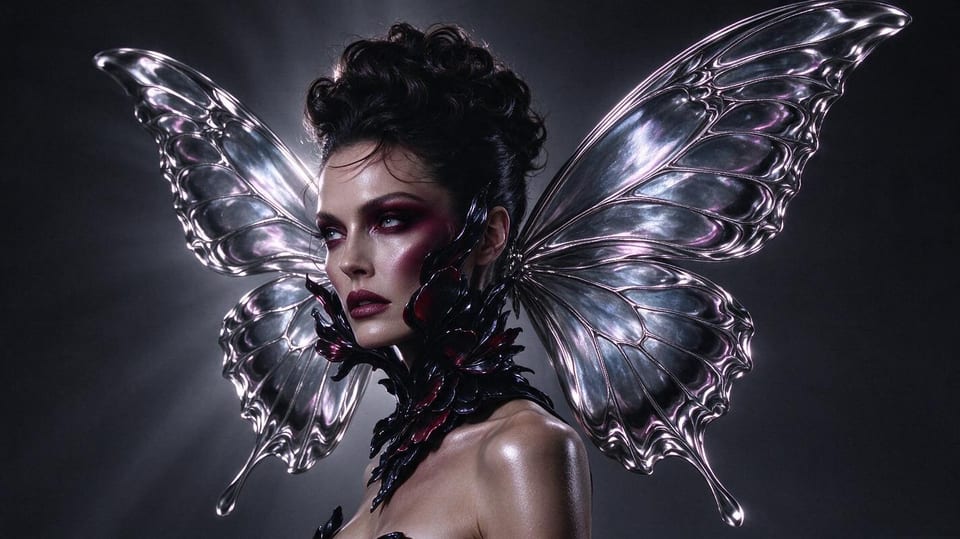
Highlights, falloff and material response look more like a photograph and less like a render. OpenAI's own framing is sharper detail, more natural lighting and richer textures, which is most visible on skin, glass, metal and fabric.
Reference subjects survive editing
When you supply a photo and ask for a change, the person or product keeps its identity. This was the weak point of earlier generations, and it is the difference between an edit you can ship and one you have to redo.
Multi-step edits hold together
Instructions that ask for several changes in one go are followed more consistently, so a brief like change the jacket colour, keep the pose, and move the light behind the subject does not silently drop a clause.
Two speed and precision profiles
Flare for volume, Sunburst for the shot that has to be right. Choosing per job is cheaper than paying precision prices for a thumbnail, or speed prices for a hero image you will redo.
Practical controls
Quality runs from a fast low setting up to a maximum tier. Transparent backgrounds are supported, a transparent markup image can be overlaid to point at a region, partial images can stream for feedback, and edits can chain across turns by referencing an earlier response.
Best use cases
- Campaign and hero imagery where a reference subject must stay on model through several edits.
- Product photography variants: new backgrounds, new props, corrected light, same product.
- Design and UI assets that need transparency and precise regional changes.
- High-volume generation where Flare keeps cost and latency manageable.
How to use it well
Pick the variant deliberately and pin the snapshot. Use the markup overlay when a region is easier to show than to describe, and use language that treats the edit as an operation on a named part of the image. Ask for the smallest set of changes that gets the job done; each extra instruction is another chance for drift. Request partial images only when a human is watching, since streaming adds no value to a batch job.
Limits to plan around
This is still a generative model: text is much improved but can fail at very small sizes and in uncommon scripts, and repeated edits can accumulate small drifts, so keep the original and branch from it. Transparent output is not available for every combination of format and size, and the older GPT Image 2 calculator does not estimate 2.5 token usage. Billing is token-based rather than per image, so cost depends on quality tier and size. The models output still images only.