What it is
GPT Image 2 is OpenAI's image model from the April 2026 generation. It generates images from text, edits existing images with prompts, and accepts image inputs as reference or as the thing being changed. The product launch presented it as the first image model with thinking: in ChatGPT's thinking and Pro modes it can search the web, plan a set of related images from one prompt, and review its own output before handing it over.
In the API the model is gpt-image-2, with a dated snapshot that can be pinned for reproducible behaviour. It is reached through the image generation and image edit endpoints, and through the Responses API image generation tool, rather than through chat completions. Unlike the newer 2.5 models, it exposes one behaviour rather than a fast and a precise variant.
The model is now listed as deprecated in OpenAI's documentation. Existing pins keep working, but new projects should start from the 2.5 line and treat gpt-image-2 as the fallback for reproducing work that already depends on it.
Strengths
Instruction following with layout discipline
The jump that defined this generation was obeying detailed briefs: object counts, relative positions, which element sits on top, and how a scene is arranged. It follows multi-part instructions instead of cherry-picking the easy half.
Dense text, icons and interface elements
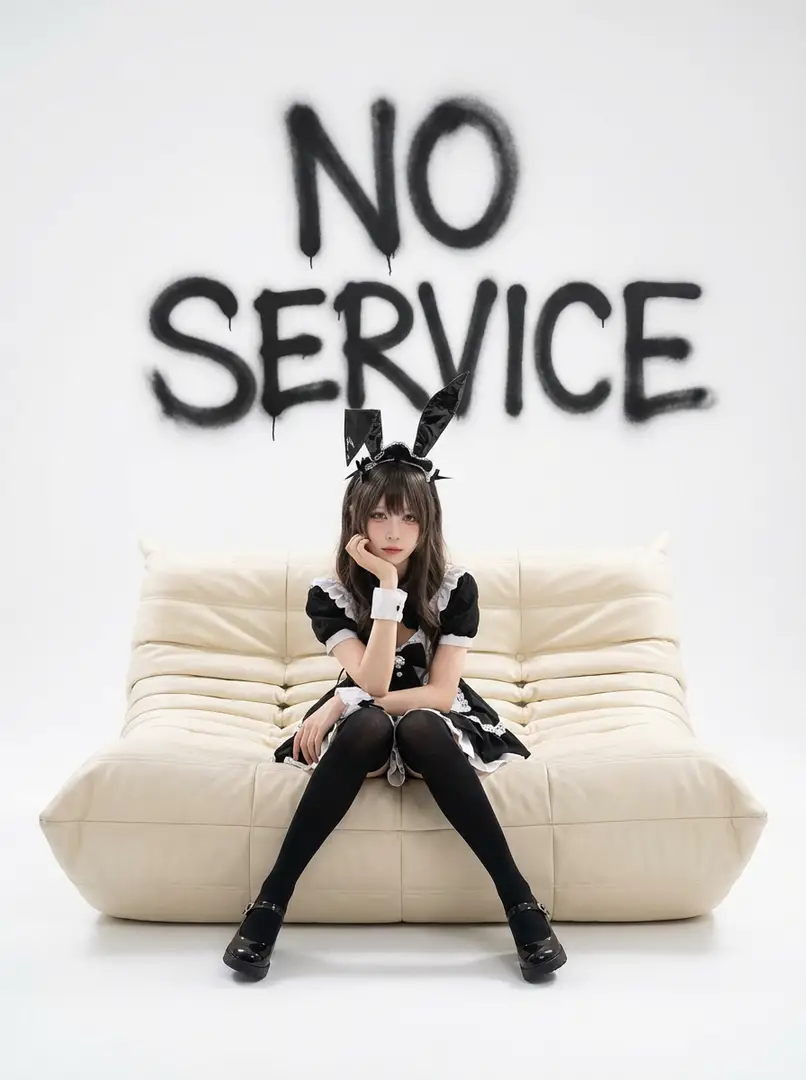
Small type, icon systems, UI chrome and infographic labels render far more reliably than in earlier OpenAI image models. This is the capability that moved image generation from mood boards into material that can carry a message.
Broad world knowledge and multilingual text
Rendered text holds up across scripts, and the model fills gaps in a brief with plausible visual knowledge, so a short prompt can still produce a specific, non-generic image.
Real editing, not restyling
Edits preserve what you did not ask to change: faces, product details, typography and layout. Multi-turn editing works by referencing a previous response or image, which keeps a conversation's visual thread intact.
Best use cases
- Marketing and social assets that need readable headlines baked into the image.
- UI mockups, diagrams and infographics where labels and icons must be correct.
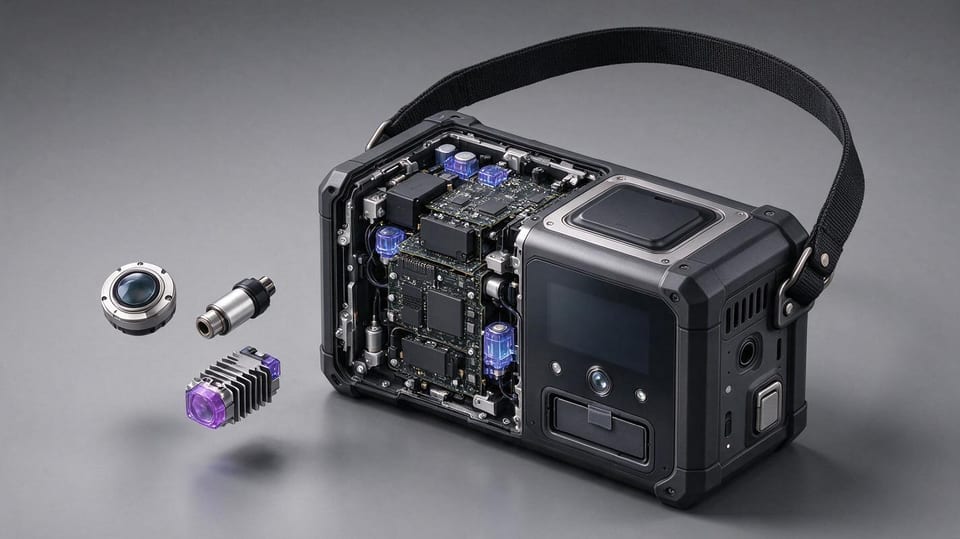
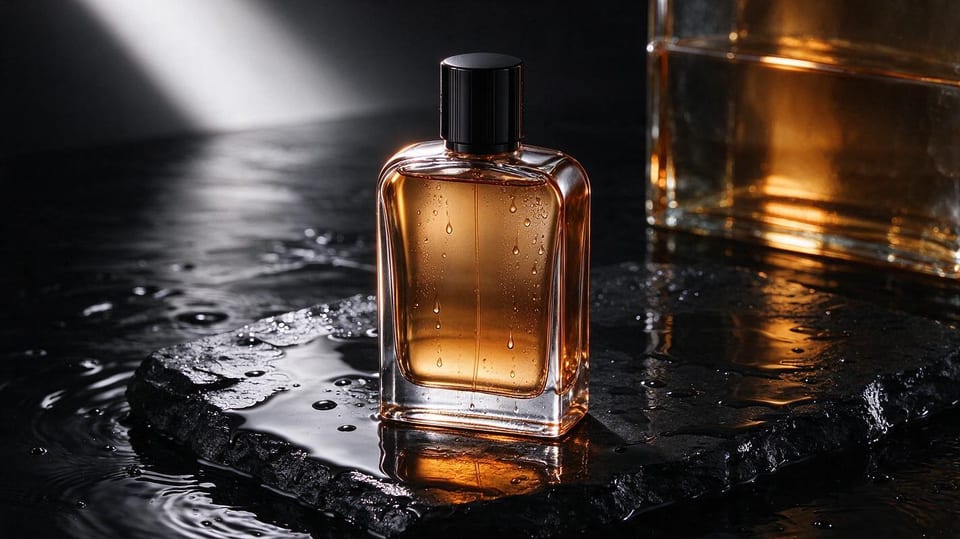
- Product and lifestyle imagery built from reference photos that must stay recognisable.
- Iterative concept work, where a chain of small edits beats re-prompting from zero.
How to use it well
Write the brief as a specification: subject, composition, camera, text content, and what to leave alone. Use the words draw or edit explicitly; OpenAI's own guidance notes this improves results. For edits, describe the change as an operation on a named part of the image rather than a new scene. Pin the dated snapshot if you need output to stay comparable over time, and keep prompts in version control alongside the assets they produced.
Limits to plan around
The thinking behaviour that made the launch notable lives in the ChatGPT product modes, not automatically in every API call, so do not assume web access when you integrate. Rendered text is strong but not error-free, particularly at very small sizes and in uncommon scripts. The model is deprecated: no new capabilities will land on it, and its parameters are frozen at what the snapshot supports. Rate limits and size options depend on your usage tier. It outputs still images only.