How to integrate
Create an API key, then give the integration prompt to Claude Code, Cursor, or Codex. You can also call the API directly from your server.
# .env.local
I2V_API_KEY=YOUR_API_KEY
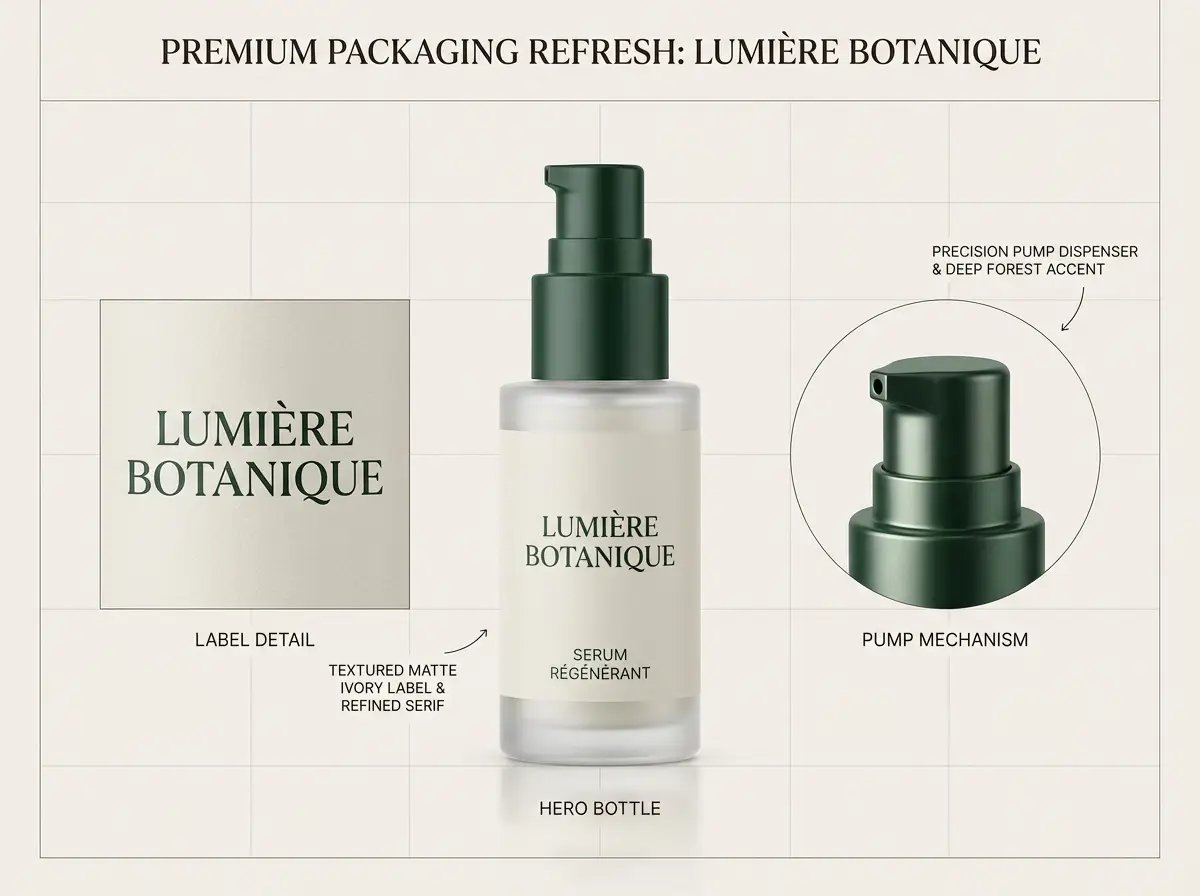
I2V_BASE_URL=https://i2v.aiExample workflow and asset. Query the accepted task until it succeeds to get the media URL.
From setup to your generated result
- 1
Copy the prompt into your AI coding tool.
- 2
Sign in to i2v.ai and create an API key.
- 3
Set the key in your server environment.
I2V_API_KEY - 4
Confirm the model and budget, submit a task, then query its result.
Keep the key on your server. Verify model settings and prices in the docs and catalog, and confirm the budget before paid generation.
Read the API docsRead the integration prompt
Help me integrate i2v.ai image/video generation into this project. Read the existing code and identify its framework, server-side environment configuration, and request patterns first. Read https://i2v.ai/docs and https://i2v.ai/docs/models to verify public model IDs, required inputs, pricing, and the current API contract. List published generation models at https://i2v.ai/api/v1/generation-models when needed. Use https://i2v.ai as the base URL and Authorization: Bearer with the server-side environment variable I2V_API_KEY. I will create my key at https://i2v.ai/me?section=api-keys and configure it locally. Ask whether it is configured, without asking me to paste the secret into chat. Keep the key on the server and out of source code, browser bundles, and logs. POST /api/v1/jobs/createTask with a body that includes the verified model ID and inputs; it returns a taskId. Use a unique Idempotency-Key for each new task and reuse it with the same body when retrying the same submission. Poll GET /api/v1/jobs/recordInfo?taskId=... with backoff. Continue waiting for waiting/generating, read output[].url for success, and surface error.code/error.message for fail. Handle authentication, balance, rate-limit, and network errors according to the docs. Propose the smallest integration that fits this project and explain the chosen model, settings, estimated cost, and files to change. Ask me to confirm the model and budget before any paid generation. After confirmation, implement server-side submission, result polling, and loading/success/error states, then verify with isolated responses before any authorized live call.
Keep what you generate.
Successful generations return media URLs that remain reachable for at least 90 days, and every result appears in a visual asset library — whether it came from Studio or the API.
- Media URLs valid for at least 90 days.
- Studio and API generations in one library.
- Download anything you need to keep permanently.


Questions developers ask first.
i2v.ai is a creative AI API platform: one catalog and one API for image and video models, plus Studio for visual work and a shared library for everything you generate.
Build your next creative product.
Create an account, pick a model, and ship the first generation today.