What it is
Google Veo 3.1 is a video generation model from Google DeepMind, released in October 2025 as the successor to Veo 3. Its defining feature is native audio: the model generates picture, dialogue, ambience and sound effects together, instead of producing a silent clip that you score afterwards. On this platform, Veo 3.1 is the standard tier of the family: you write one cinematic beat, pick widescreen or vertical framing, and receive a finished clip with sound. The model is hosted, so there is no local setup or rendering pipeline to manage; generation runs through the platform and the result is ready to download and share. Longer clips, higher resolutions and additional input modes exist in the wider Veo 3.1 family, but what you can select here depends on the runtime configuration shown in the submission form.
Strengths
Sound arrives with the picture
Veo 3.1 generates speech, room tone and effects in the same pass as the visuals. That makes it practical for dialogue beats and atmosphere-led shots where a silent clip would need a separate sound pass.
Direction is followed more closely
Compared with Veo 3, Google reports better prompt adherence, a stronger grasp of cinematic style and more consistent characters across shots. In practice, clear subject, action and camera language lands more reliably.
Widescreen and vertical from one prompt
The same idea can be rendered for landscape placements or vertical social feeds, so a campaign concept does not need to be rebuilt for each aspect ratio.
A family that scales with the job
Google's Veo 3.1 line also covers a faster tier and a more economical Lite tier, and the API adds reference-image guidance, scene extension and frame-to-frame transitions. If a shot outgrows the standard tier, the same prompt style carries over.
Best use cases
- Short brand and product films where a single polished beat and a designed sound bed carry the message.
- Social teasers in vertical framing that need to feel finished without an editing pass.
- Dialogue or voice-over moments for storyboards, pitches and previsualisation.
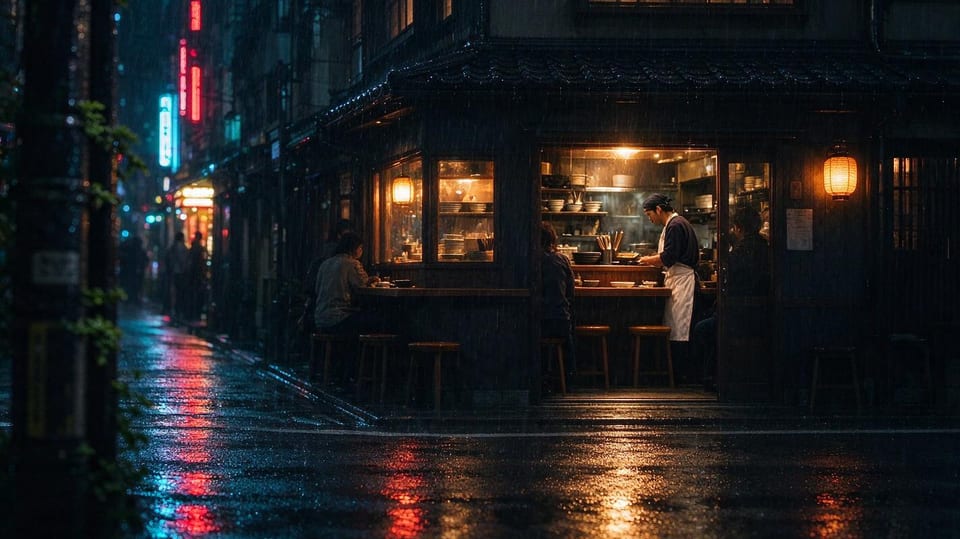
- Atmosphere shots — weather, crowds, interiors — where ambience is part of the storytelling.
Tips for better results
- Write one shot, not a sequence. Name the subject, the action, the setting, one camera move and the lens or lighting mood.
- Describe the audio explicitly: who speaks, what they say, and which background sounds belong in the scene.
- Keep camera motion simple; a single dolly, push or pan reads more cleanly than several moves in one short clip.
- Iterate on the prompt rather than stacking conflicting ideas. Small, specific edits are easier to evaluate.
- Check the runtime form for the exact clip length, resolution and input modes available before you plan a sequence.
Limitations and things to know
Veo 3.1 is designed for short single shots, not long-form editing; complex multi-scene stories need to be built from several generations. Dialogue quality varies by language, and on-screen text, hands and fine product lettering can still drift. Content filters may reject prompts that reference real people or sensitive material. Finally, audio, resolution and duration options are runtime-dependent and can differ between channels, so treat the submission form as the source of truth.