What it is
Seedance 2.5 is ByteDance Seed's flagship video creation model, served through the official API. It builds on the unified audio-video joint-generation architecture introduced with Seedance 2.0: you send text, images, video and audio, and it returns one clip with synchronized sound. Where 2.0 focused on getting a single shot right, 2.5 focuses on finishing a piece — longer continuous sequences, multi-round extension, a much larger reference pool, and editing that works at the level of a timeline instead of a whole re-roll.
Strengths
Longer, more continuous storytelling
Single-pass generations can carry a setup, a turn and a resolution across several shots instead of stretching one moment. Extension is repeatable, so a multi-minute piece can be assembled from consecutive passes while characters, wardrobe and locations stay stable.
Reference control that survives complexity
2.5 accepts a far larger set of reference images plus reference video and audio in one request. You can lock a face from one still, a costume from another, a camera move from a clip and a voice from an audio file, then describe how they combine. Clay-render reference is the standout addition: feed a textureless 3D blockout and the model follows its blocking, camera path and lighting direction, which is how storyboard-driven teams get predictable framing.
Timestamp-level editing
Prompts can address a specific span of the output, and finished clips can be edited — swap a subject, replace a green-screen background, change camera perspective, or re-time a beat — without regenerating everything around it.
Native multilingual sound
Dialogue, effects and music are generated with the picture. 2.5 handles multiple languages natively and keeps lip movement and rhythm aligned, which makes localized versions of the same spot far less work.
Best use cases
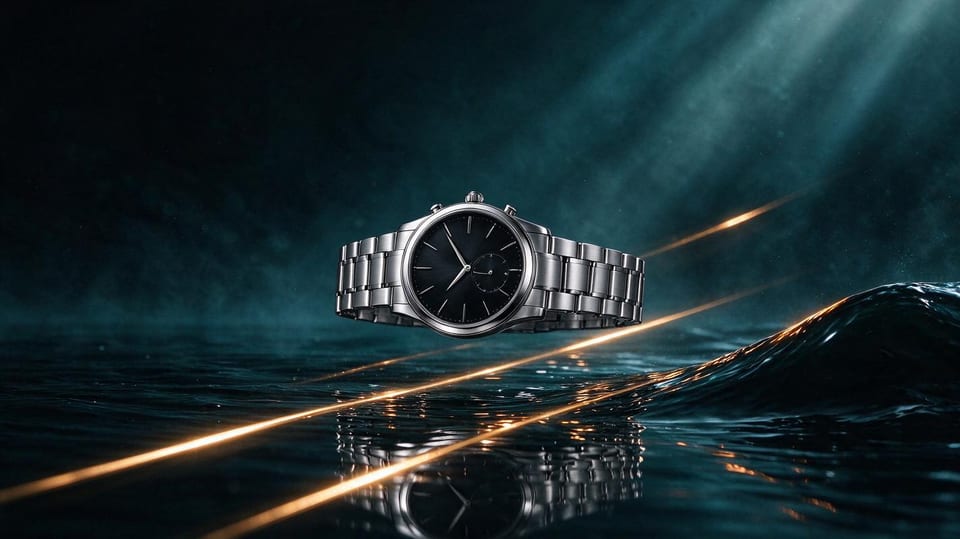
- Advertising and product film where one continuous take sells the product and the sound has to land on the cut.
- Short drama and narrative tests with recurring characters and real dialogue.
- Previsualisation: block a scene with a clay render, then let the model render the finished look.
- Footage repair and reuse: replace a background, change a product, or extend an existing clip instead of reshooting.
Tips and limits
- Write the prompt as a shot list with rough time ranges. 2.5 follows timestamps better than earlier models, but coarse ranges work better than frame-exact instructions.
- Name your references explicitly and put the one that matters most first; ambiguous references are the main cause of drift.
- Editing and extension expect a reference video plus an explicit edit verb. If prompt intent and task type disagree, the request can fail after submission.
- ByteDance's own release notes are candid: complex multi-subject interaction and extreme physical motion are still the weak spots, and unwanted subtitles or background music occasionally appear.
- It is a hosted, closed-weight model; there is no local deployment.
Resolution, duration, reference limits and price are runtime parameters that change over time, so confirm them in the model configuration before planning a shoot.