What it is
Seedance 2.0 is ByteDance Seed's multimodal video creation model and the quality baseline of the 2.0 family. It was the first Seedance generation built on a unified audio-video joint-generation architecture: text, images, video and audio all go in, and a multi-shot clip with synchronized sound comes out. It replaced the older pattern of generating silent footage and adding sound afterwards.
Strengths
Motion that holds up in complex scenes
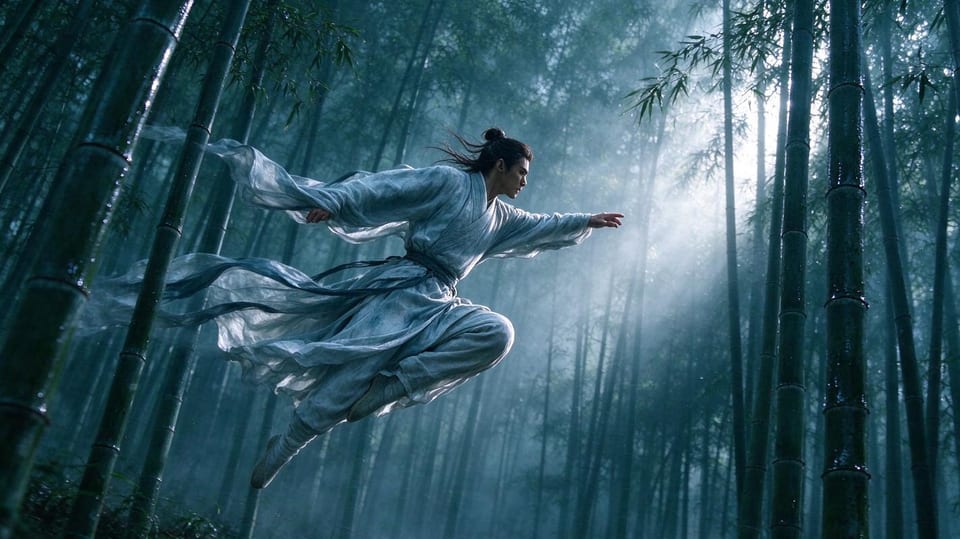
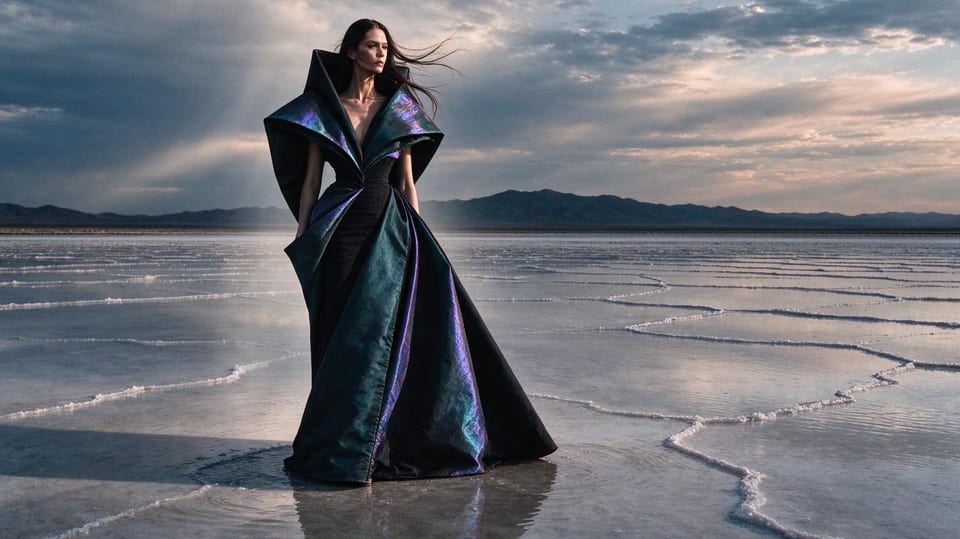
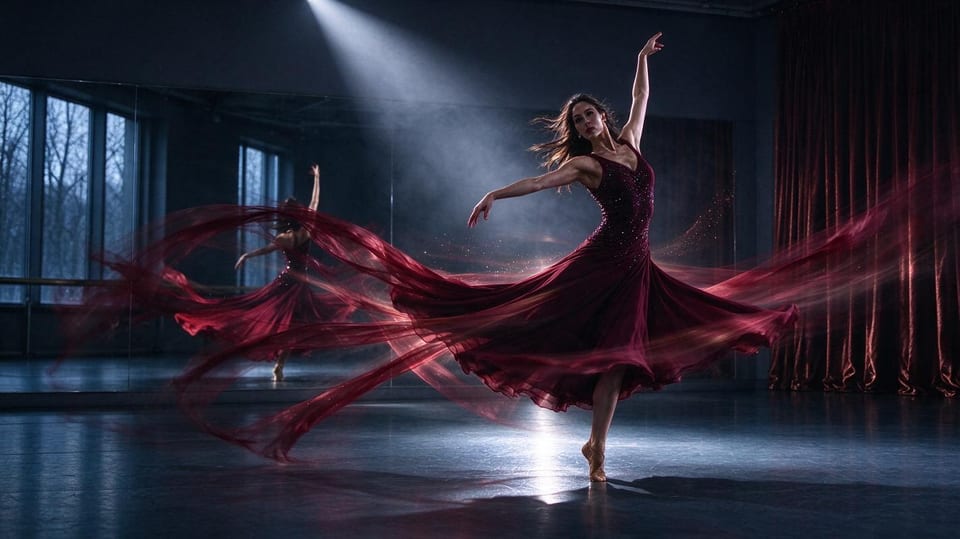
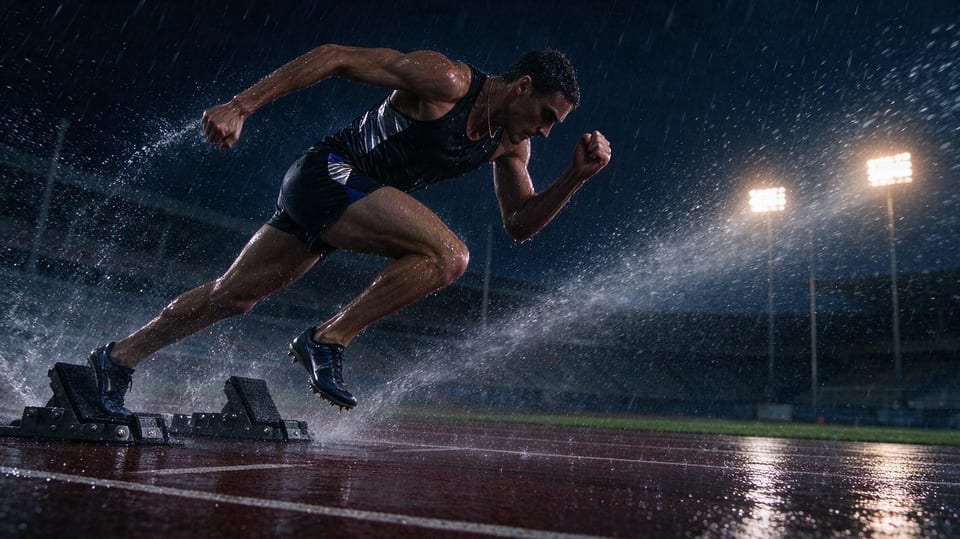
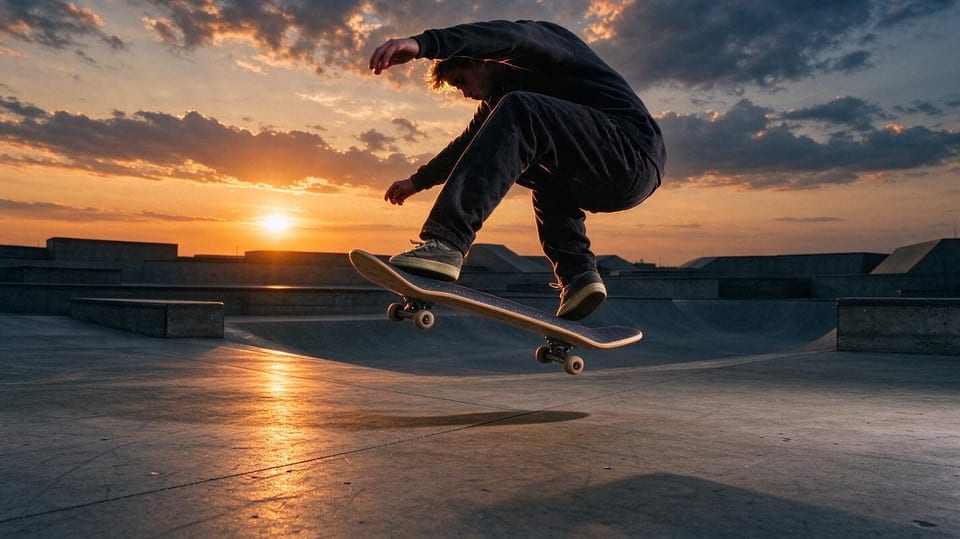
The jump from 1.5 shows most clearly in multi-subject interaction — pair skating, combat, crowds — where limbs, contact and momentum stay physically plausible instead of melting between frames. Close-ups hold detail too: skin, fabric, reflections and the way light moves across a surface.
Full-modal reference
A request can combine several images with video and audio references, and the prompt decides what each contributes: composition, camera language, motion rhythm or a voice. It can even follow a storyboard image as a shot plan.
Editing and extension
2.0 can modify a chosen clip — replace a subject, remove an object, repaint an area — and can continue an existing clip forward or backward. That is the difference between a generator and a shot you can actually revise.
Sound design
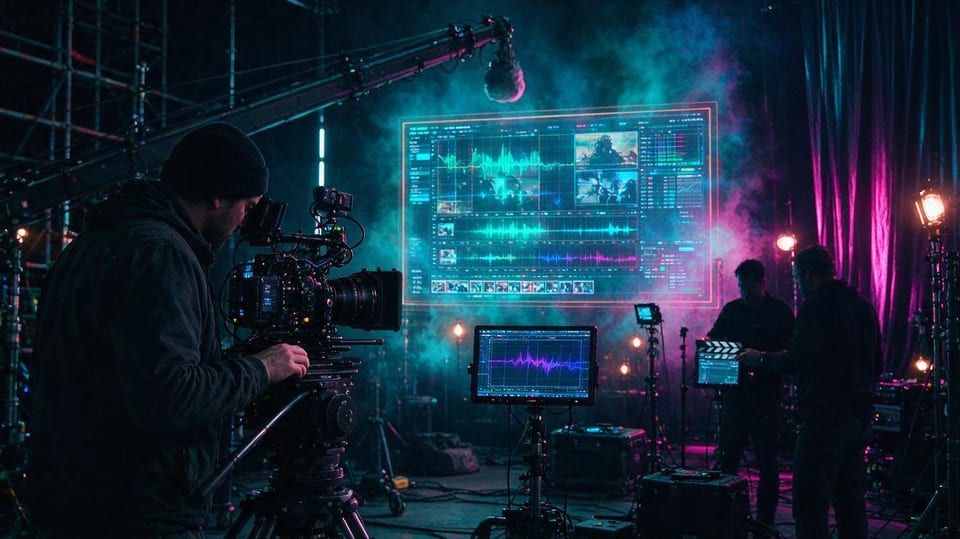
Audio is generated with the picture and covers dialogue, ambience, foley and music, with timing tied to the cut. The foley detail is genuinely good: fabric, glass, plastic, footsteps.
Resolution headroom
2.0 is the only tier in the family that reaches the top of the resolution range, which is why it is the tier used for deliverables rather than look development.
Best use cases
- Finished advertising and e-commerce spots where the clip itself ships.
- Short drama and narrative sequences that need several shots in one pass.
- Product film with reference-locked packaging and camera moves.
- Repair work: edit or extend existing footage instead of reshooting.
Tips and limits
- In the 2.0 series an audio reference cannot stand alone; pair it with an image or a video.
- There is no draft mode in 2.0. If you want a cheap approval pass before the final render, 1.5 Pro or 2.5 provide one.
- Real human faces cannot be uploaded directly as reference assets. Use the platform's portrait options — model-generated assets, preset avatars, or a verified-consent flow — instead.
- Reference images of people work best as one clean portrait plus one full-body shot; multi-view sheets tend to be read as several different people.
- ByteDance is explicit about the remaining gaps: multi-subject consistency, rendering small text, and complex edit effects.
- Write the prompt as a shot list, define each subject once, and reuse the same label throughout.
Resolution, duration, reference limits and price are runtime parameters that change over time, so confirm them in the model configuration before you plan a shoot.