What it is
Kling 3.0 Pro is the higher-fidelity configuration of Kling 3.0 in this catalog. Kuaishou's 3.0 line is available in multiple quality modes; Pro here selects the mode that spends more compute per frame on detail, texture and motion stability. Everything else about the family stays: native audio, multi-shot planning, element consistency and motion control. The intent is simple — use the standard mode to find the scene, and Pro to shoot the take that ships.
Strengths
A more finished image
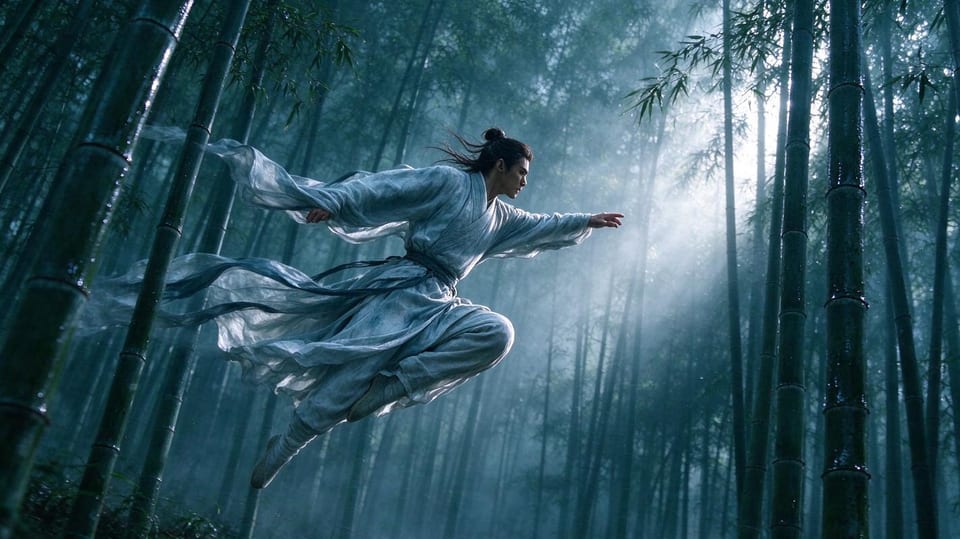
Fine texture, edges, reflections and background detail hold up better on a large screen. That matters for product close-ups, costume and set design, and any frame that will be paused on.
Cleaner complex motion
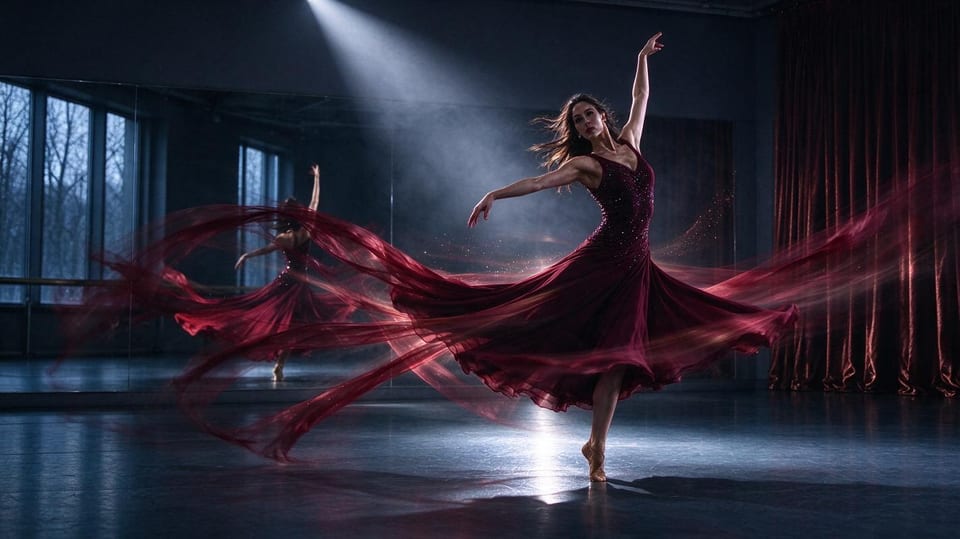
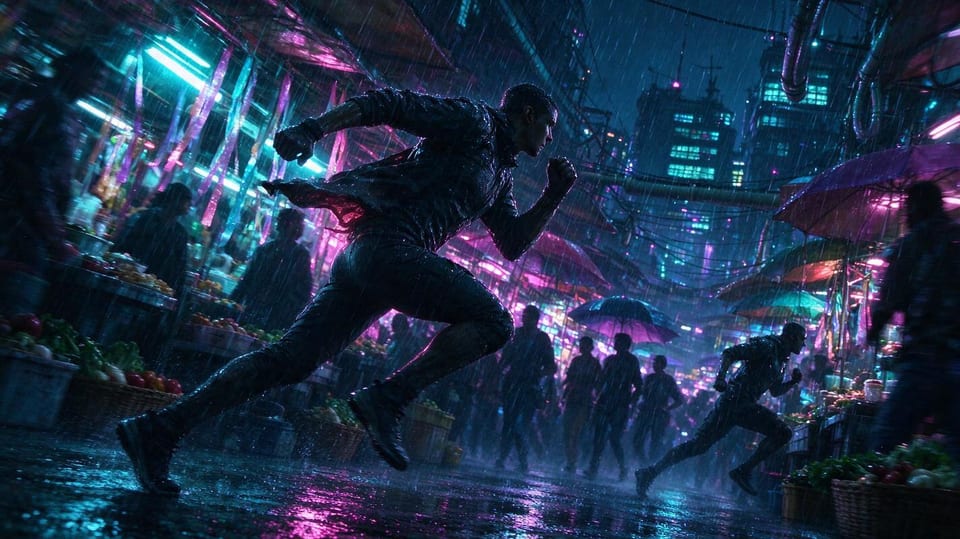
Camera moves, fabric, water and fast body movement are less prone to warping, which is exactly where multi-shot sequences tend to show their weakest frame.
Native audio still included
Dialogue, sound effects and ambience are generated with the picture, and the model can bind lines to characters. Because Pro is reserved for final takes, it is usually where a dialogue scene should be finished.
Consistency carries over
Elements built from reference images or videos keep working, so a recurring character or product stays recognisable across the shots you generate at this quality.
Best use cases
- Key scenes in short dramas, where a dialogue exchange or emotional beat has to land.
- Product close-ups and packshots in motion, where surface and label quality matter.
- Character-led brand films that need a consistent face and a polished finish.
- Final takes after the blocking and timing were approved in the standard mode.
Tips for better results
- Lock the scene on the standard mode first; move only the takes that matter to Pro.
- Write a short shot list with framing, action and dialogue, then specify which speaker owns each line.
- Describe materials and lighting explicitly, since that is where the extra fidelity shows.
- Keep multi-shot sequences modest. Each additional cut adds another chance for a weak segment.
- Review the result at full size with sound, not on a phone with the volume down.
Limitations and things to know
Pro generation takes longer and costs more per clip, so it is a poor fit for rapid exploration. Multi-shot work still carries the risk that one segment underperforms and needs a retry. Lip-sync can drift in long exchanges, and less common languages and dialects are less predictable. On-screen text, complex hands and exact product lettering can still fail. Feature availability differs from Kuaishou's consumer app and is governed by the runtime.